Symbolic backend
Alias elimination, Pantelides index reduction with dummy derivatives, BLT sorting and tearing, and exact symbolic Jacobians, evaluated by a compiled register tape.
Free public beta · Modelica Standard Library 4.1 · in your browser
ModOnda compiles Modelica models to native code and WebAssembly, simulates them with its own solvers, and plots the results beside the diagram. Nothing to install, and the workbench is free to use.
533 of the 534 Modelica Standard Library examples run to the end, and 517 match the Modelica Association reference results, signal by signal.
Signing in is optional. The workbench runs without an account.
01
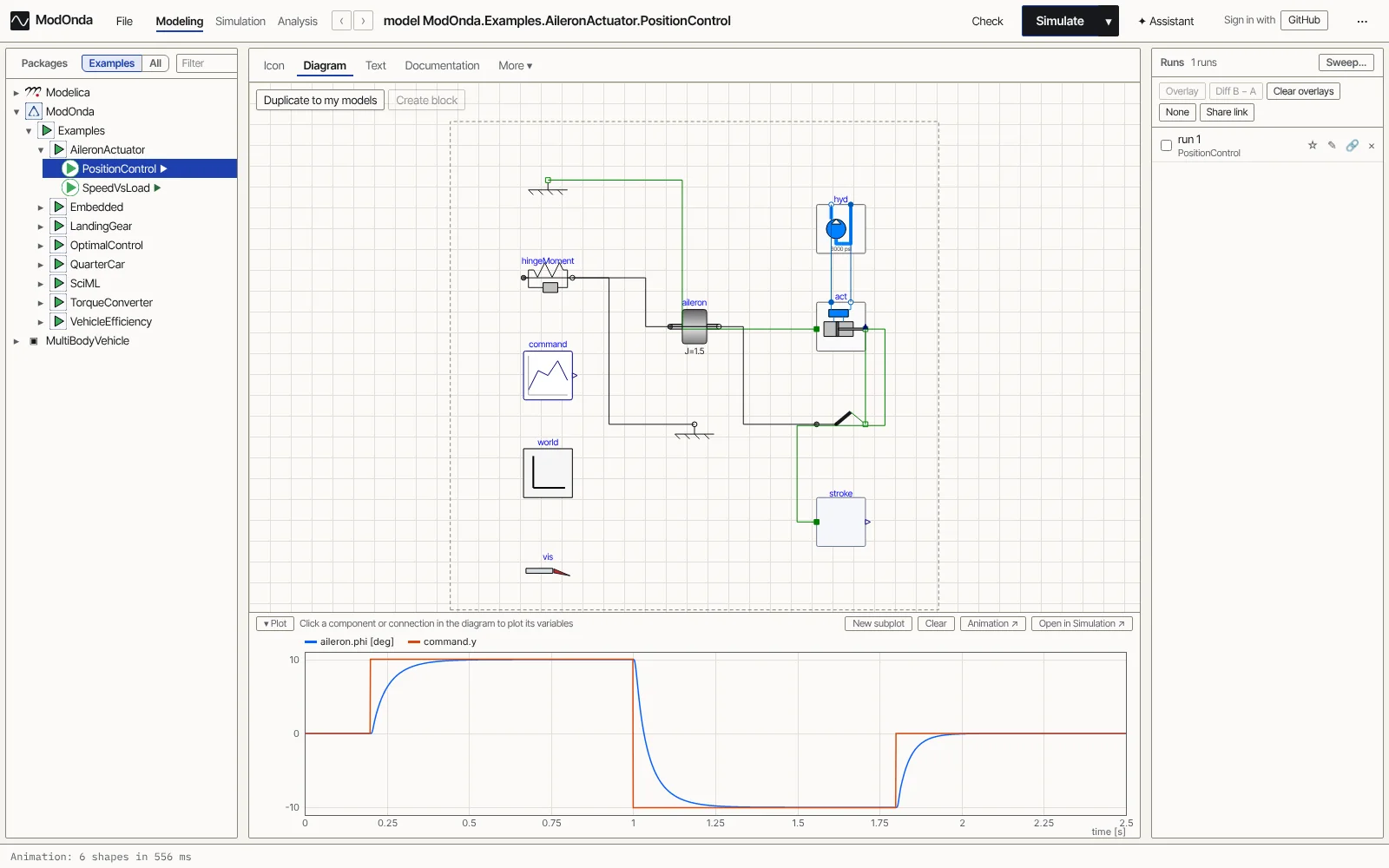
A Rust core runs the same compiler and solvers on a server and in a browser tab.
Alias elimination, Pantelides index reduction with dummy derivatives, BLT sorting and tearing, and exact symbolic Jacobians, evaluated by a compiled register tape.
Variable-order BDF, Radau IIA and ESDIRK with colored Jacobians and dense or sparse LU. Dopri5 switches to BDF when a model turns stiff. RK4 and Euler are there for fixed steps.
Zero-crossing events, when, elsewhen and reinit, and state machines drawn as diagrams.
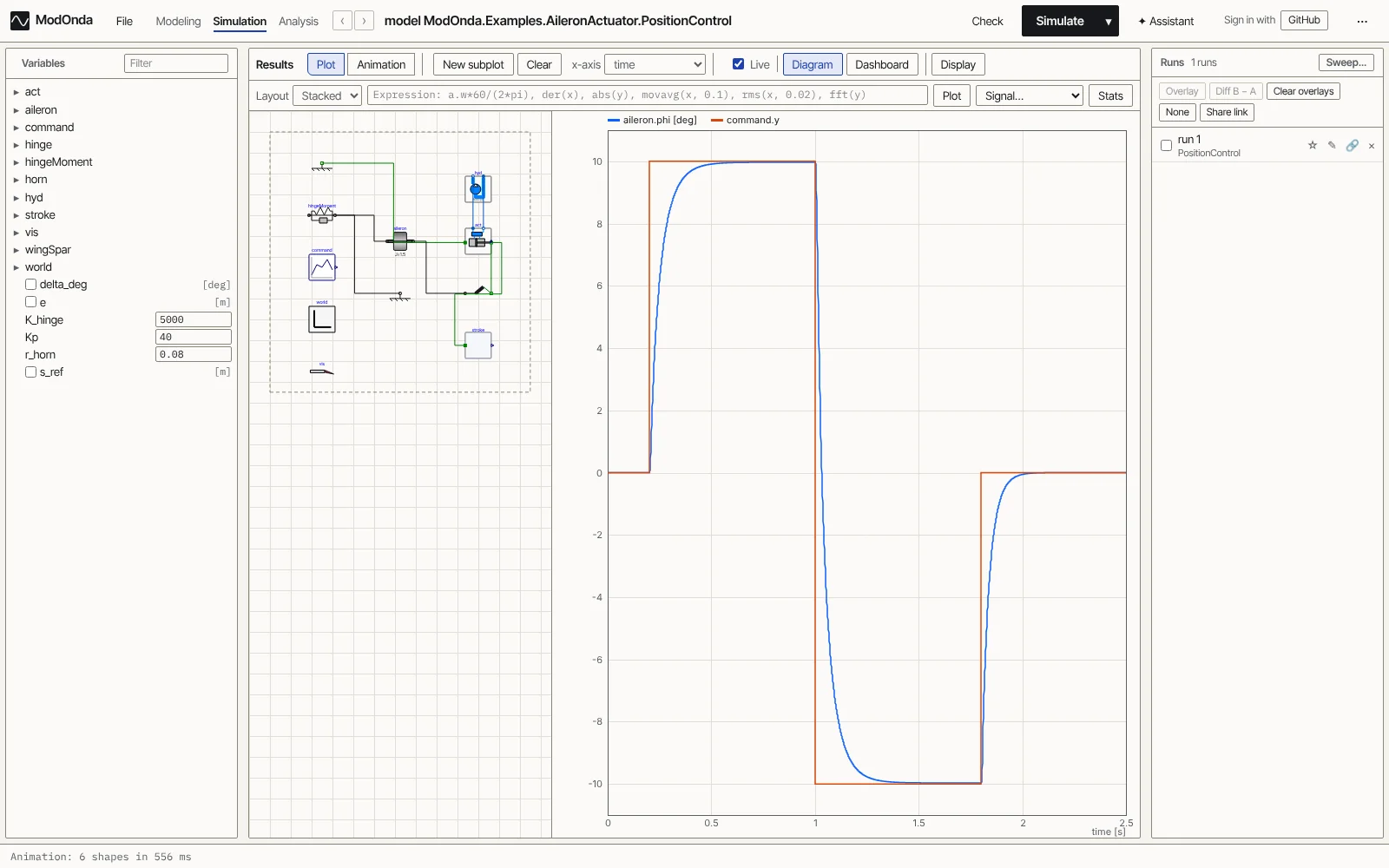
Package browser, icon, diagram and text views of every class, a variable browser, a plot window with display units, and simulation setup in one place.
Modelica Standard Library 4.1.0 loads in the browser, including MultiBody, the QuasiStatic machines, Media (IF97 water, R134a, moist air) and Fluid. 3-D animation replays MultiBody models.
Results go to Dymola-format .mat files or CSV, readable by Dymola, OMEdit and DyMat.
02
Each one opens in the workbench. Press Simulate and it runs in your browser tab, with nothing to install.
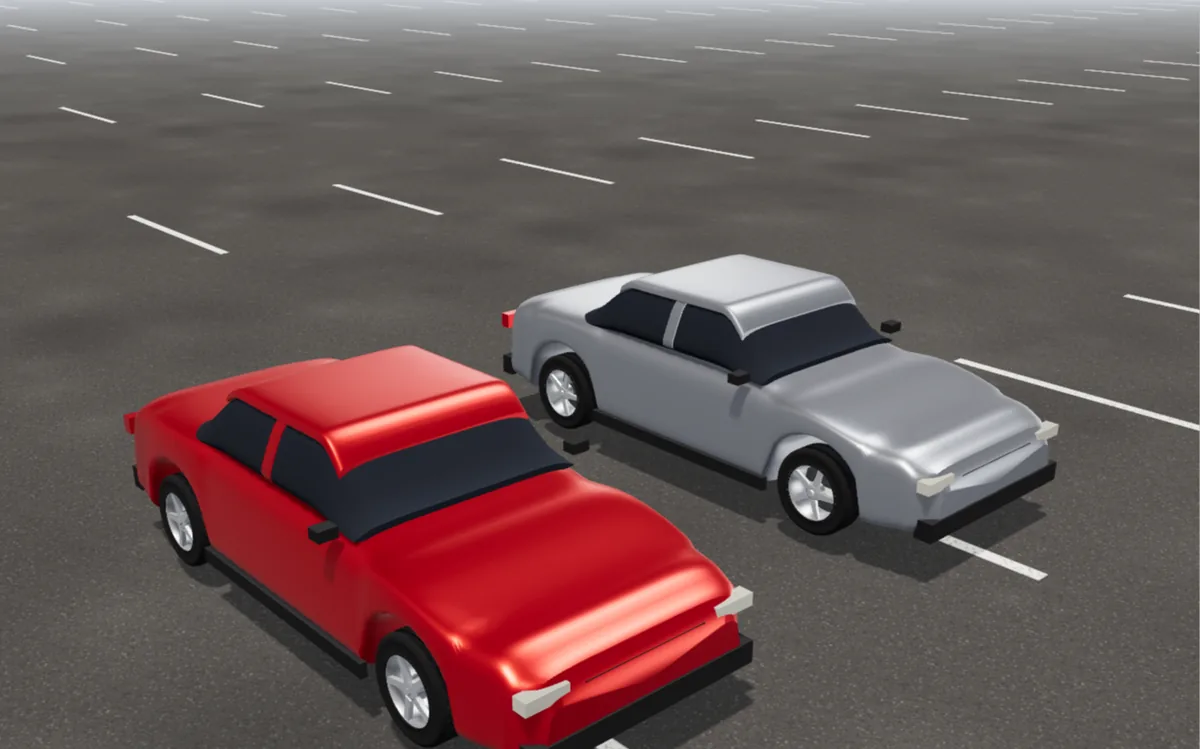
3-D animation · ModOnda examples
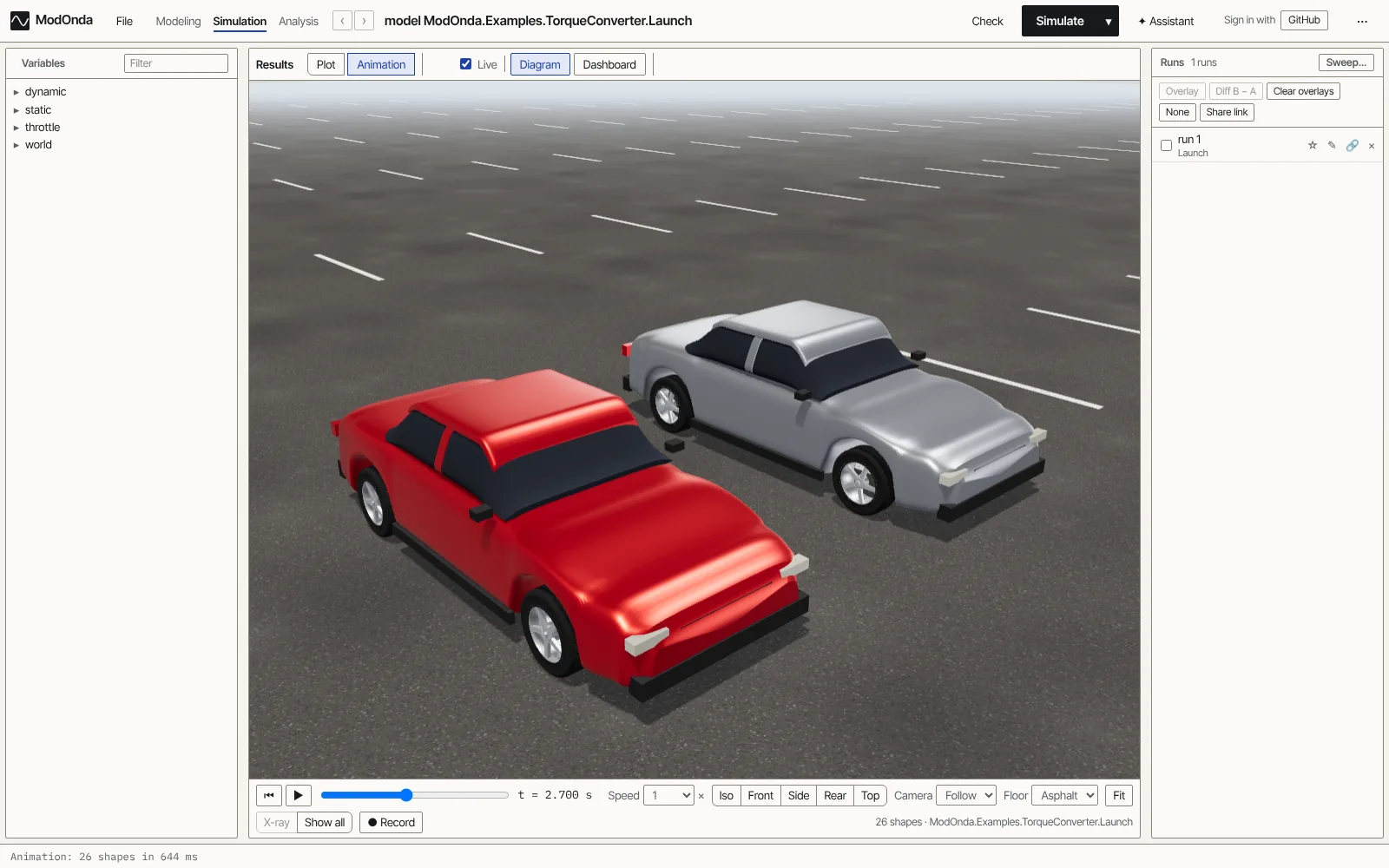
A full-throttle launch run twice: with a static torque converter, and with fluid build-up lag. Press play and watch them pull away.
Open in the workbench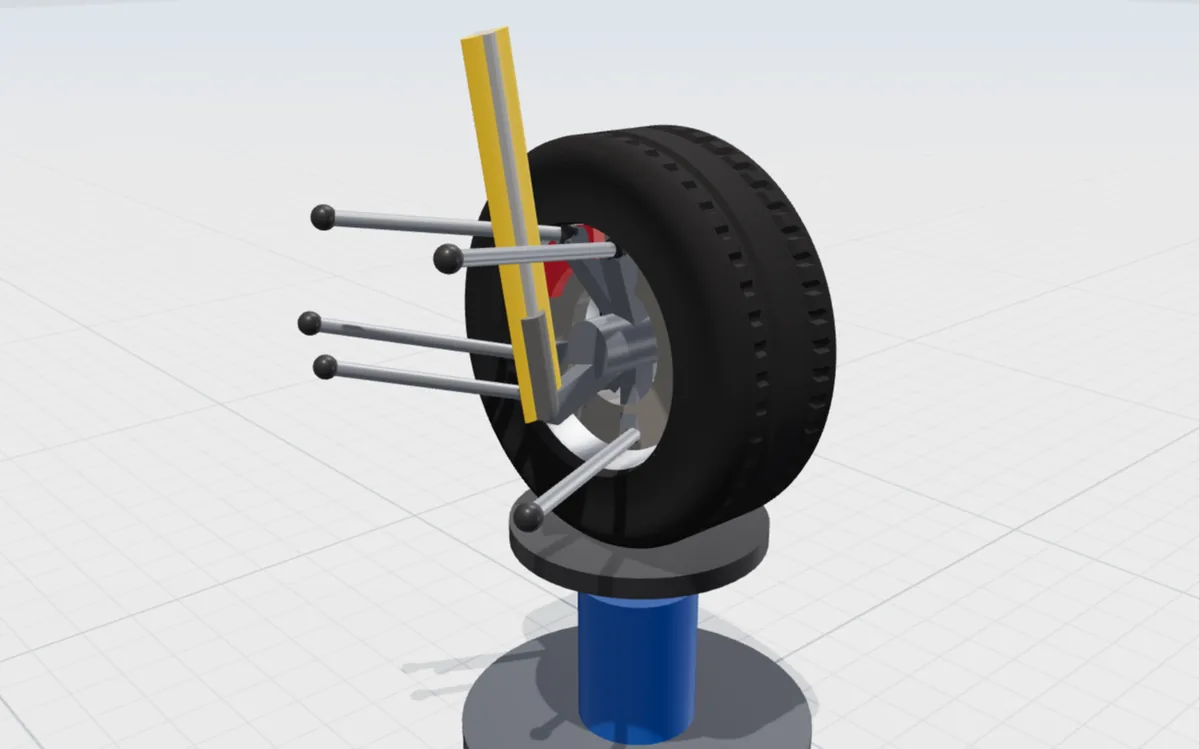
3-D animation · MultiBodyVehicle
A multilink corner on a test rig, built from real mounting points on Modelica's MultiBody library.
Open in the workbench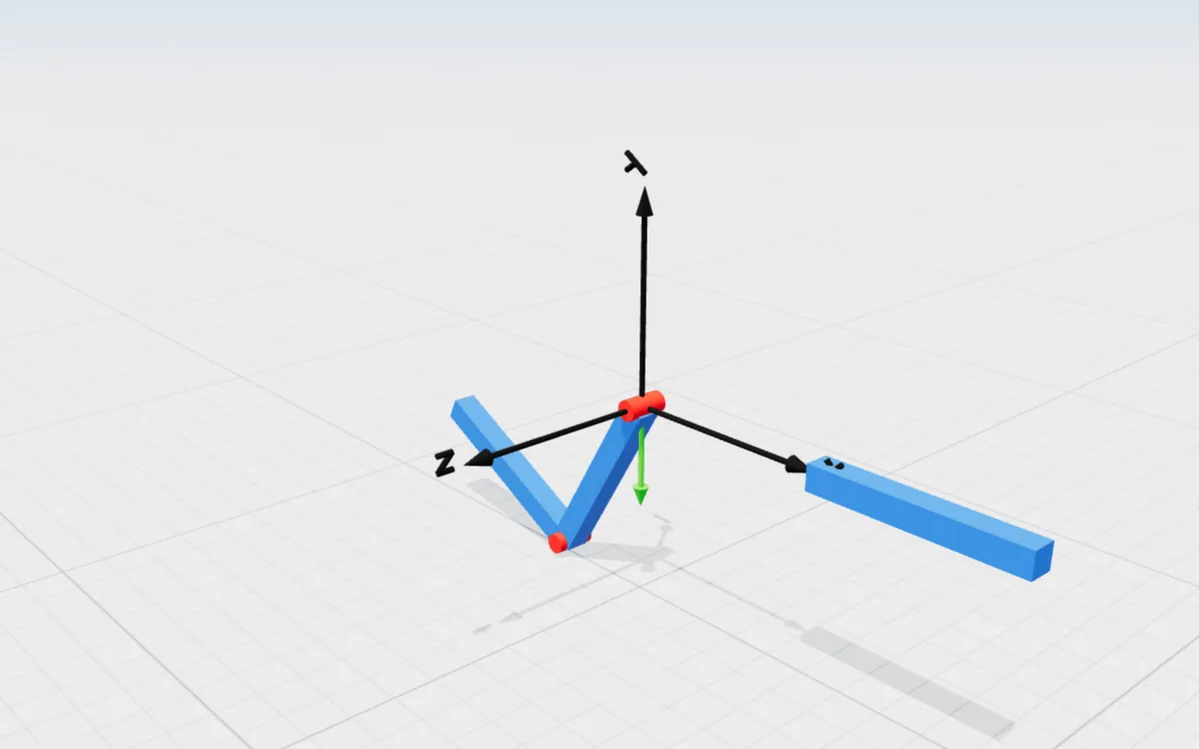
Standard Library · Mechanics.MultiBody
Two bars on revolute joints, replayed in 3-D. The Structure tab shows which four states the solver picked, and why.
Open in the workbench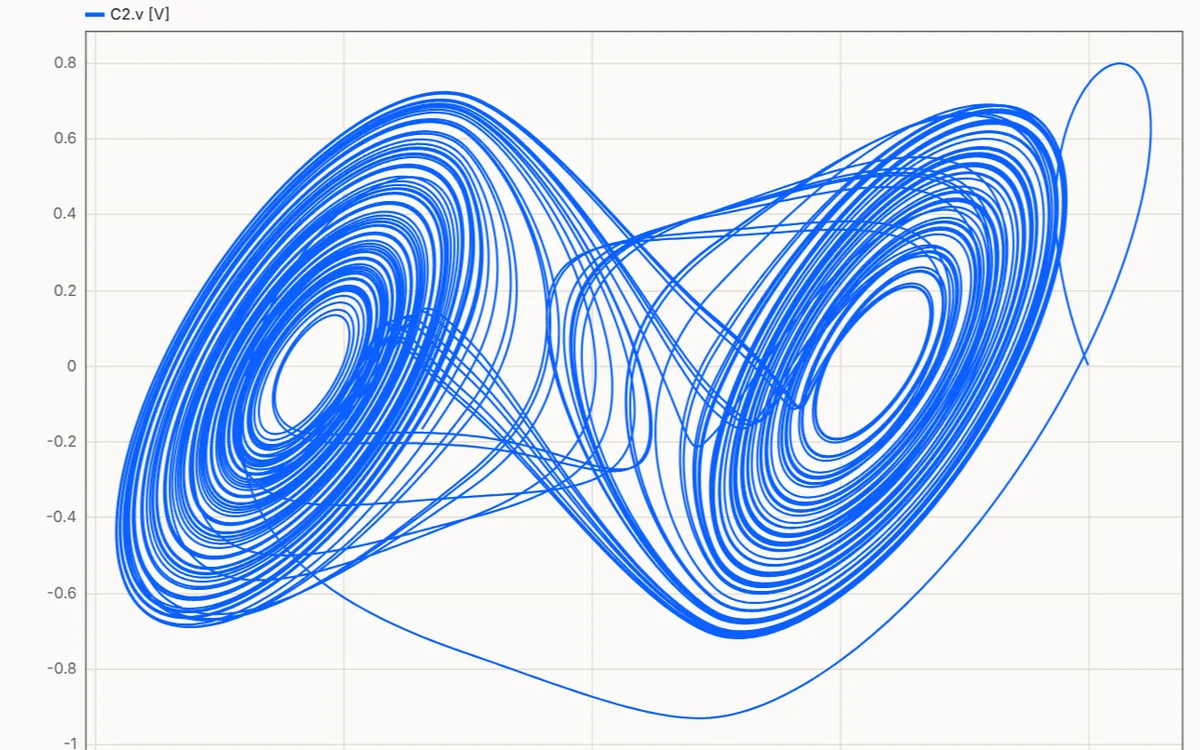
Standard Library · Electrical.Analog
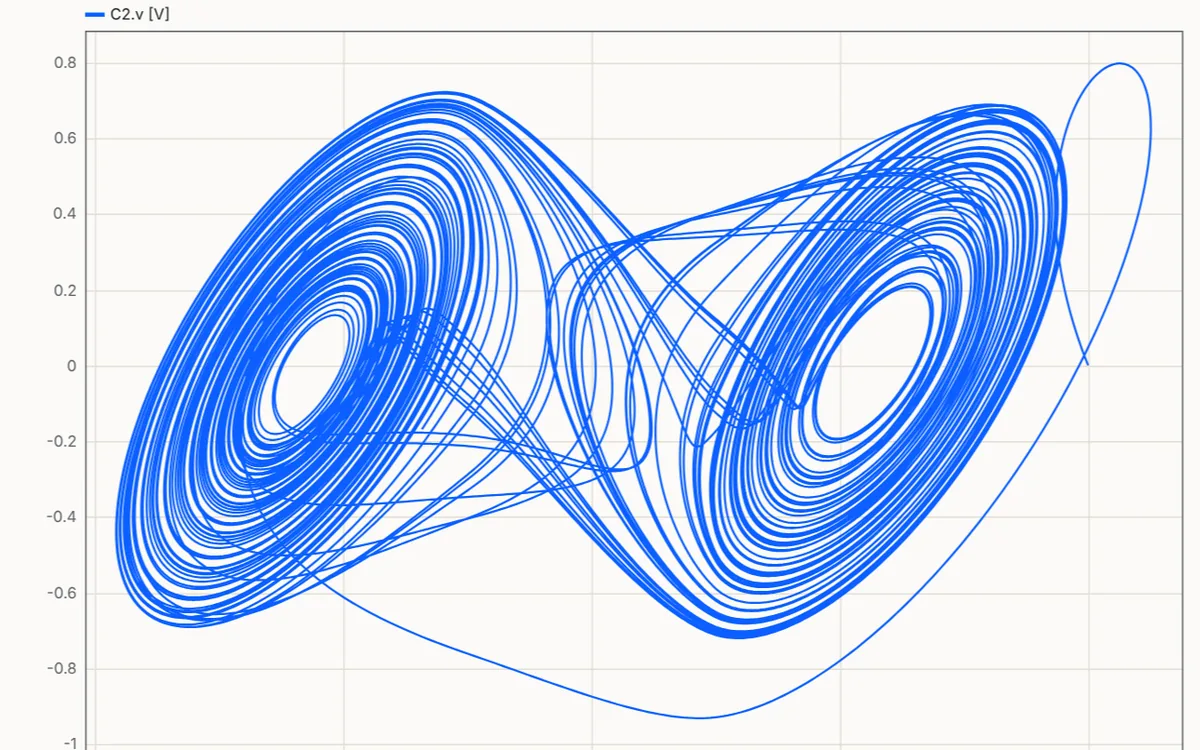
Chua's circuit is chaotic. Plot one capacitor voltage against the other to draw its double-scroll attractor.
Open in the workbench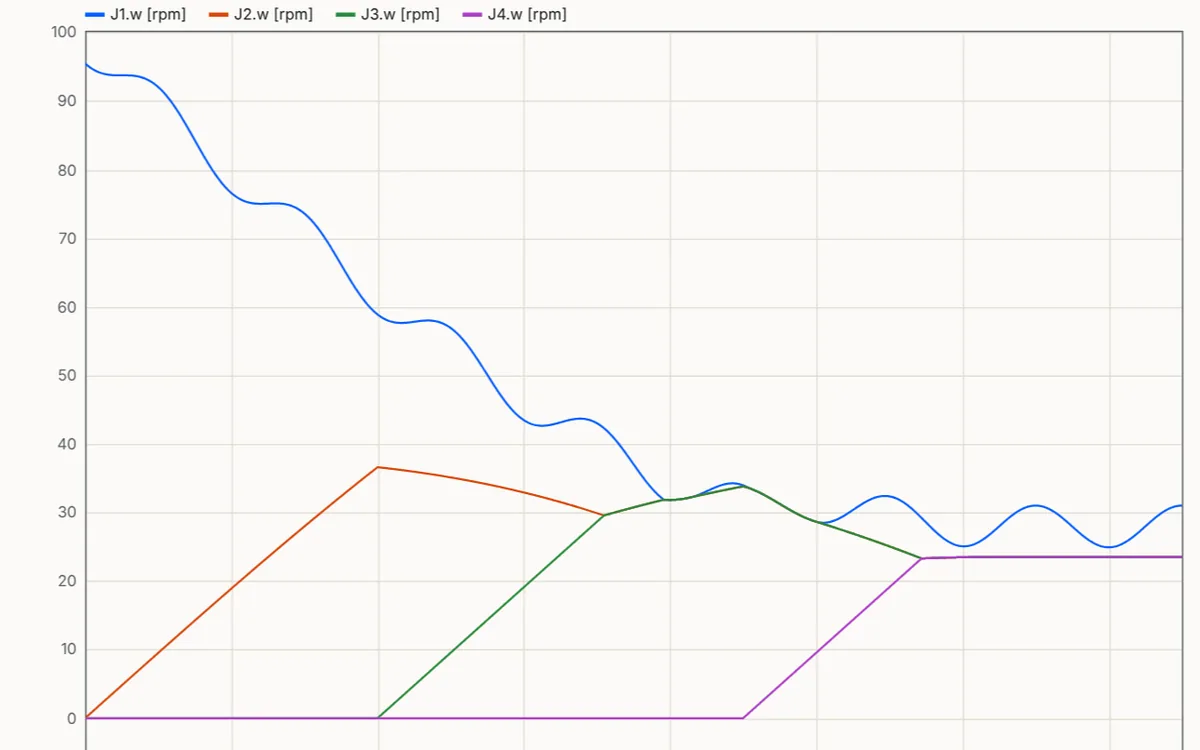
Standard Library · Mechanics.Rotational
The clutches engage in turn and pull the shaft speeds together. The solver has to stop at every switch.
Open in the workbench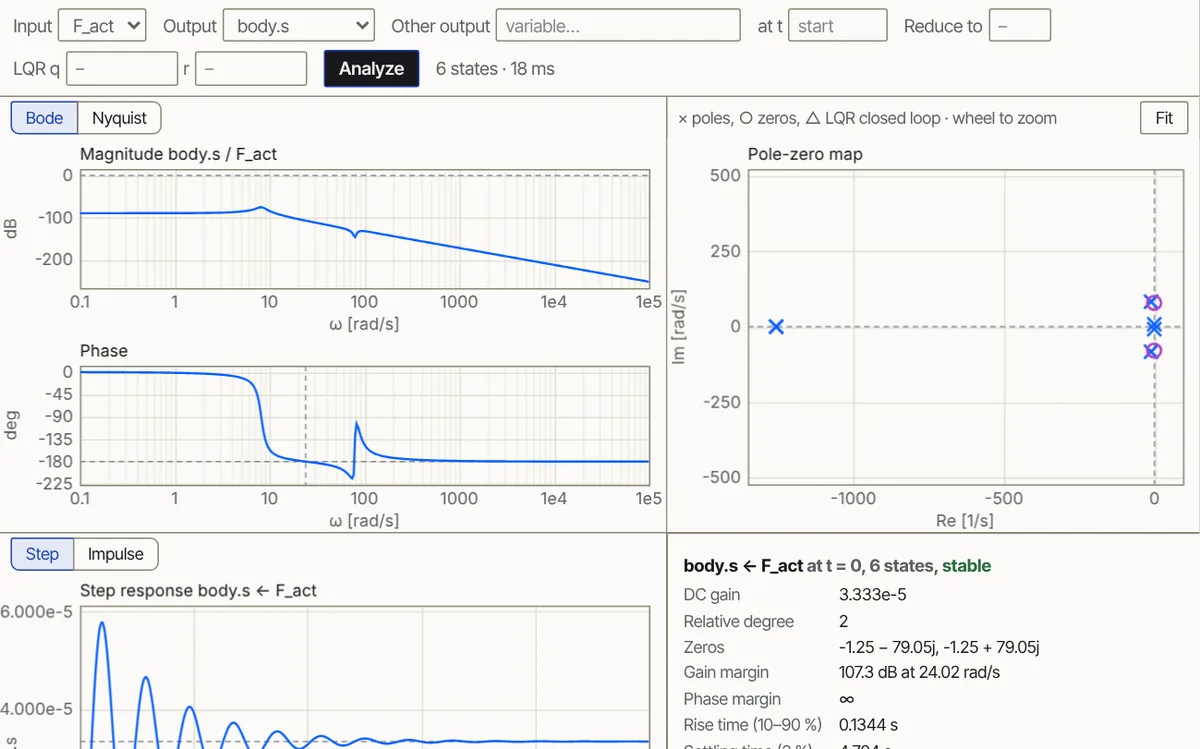
Linear analysis · ModOnda examples
A quarter car with an active actuator. Open the Linear tab and press Analyze for its Bode plot, poles and step response.
Open in the workbench03
Every view below is a live part of the app, not a mock-up.
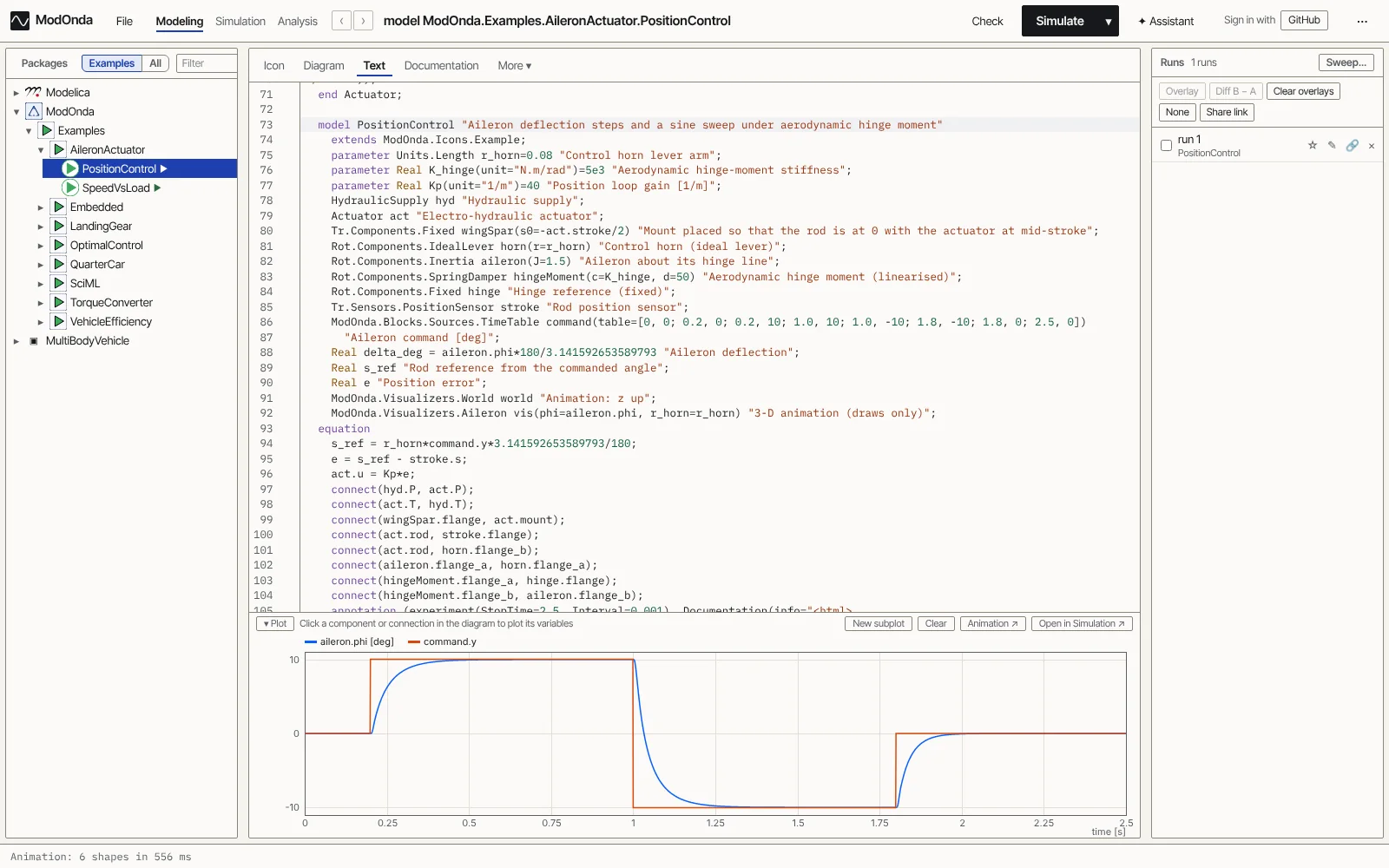
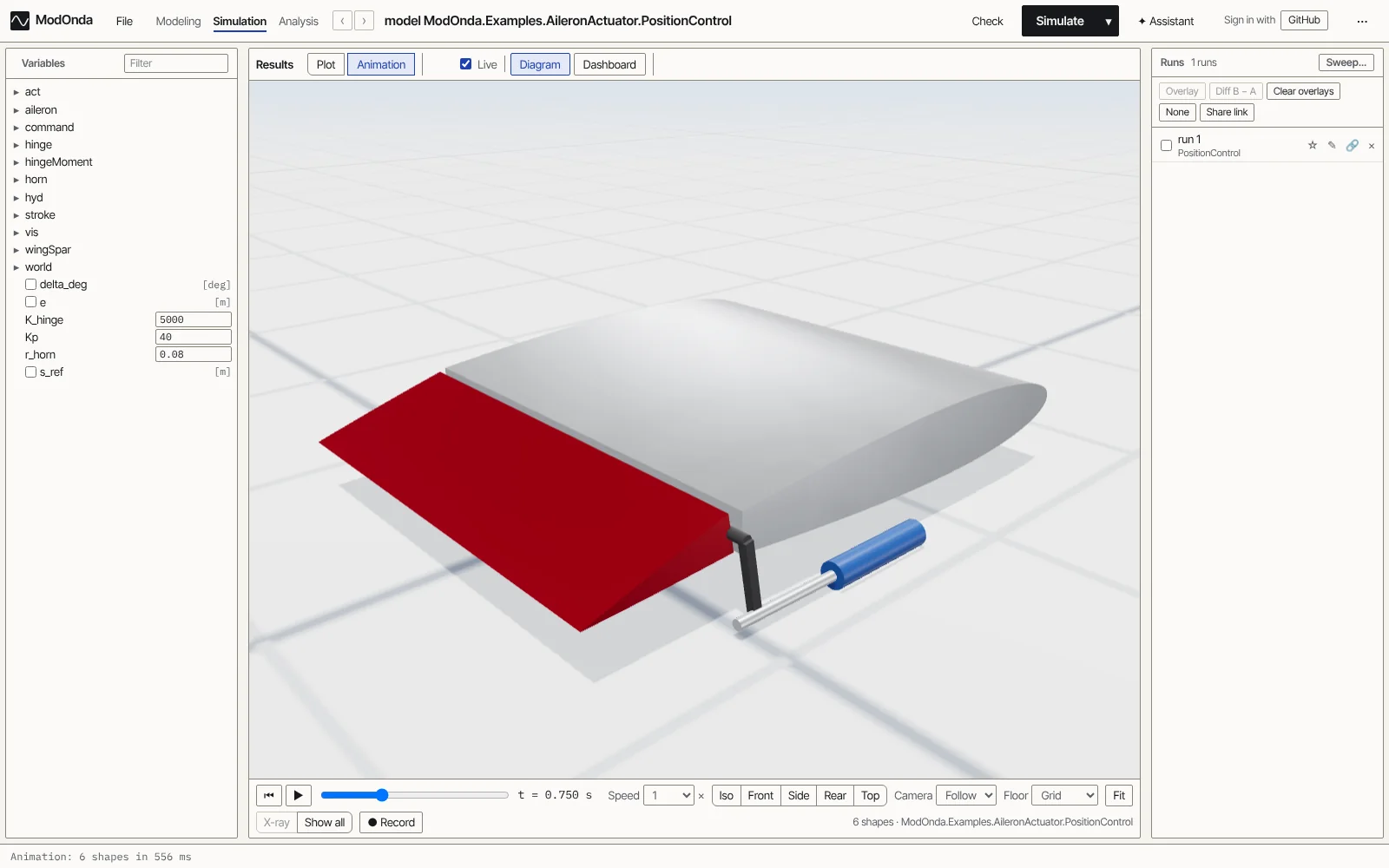
04
Every example of the Modelica Standard Library is run and compared, signal by signal, with the reference results published with the library, which were generated with Dymola. A signal matches when it stays inside a band of 0.2% of the time span and 0.2% of its range around the reference curve. 517 of the 534 match, and 533 run to the end. Of the 16 that run but differ, seven are documented reference errors. One example does not finish.
What is checked, and what does not run · The full scoreboard
05
Worked examples, how the results are checked, and what is new. All posts
 25 October 2026
ModOnda is a free public beta of a Modelica workbench that runs in your browser. Open a model, press Simulate, plot the results and watch the 3-D animation, with nothing to install.
 25 October 2026
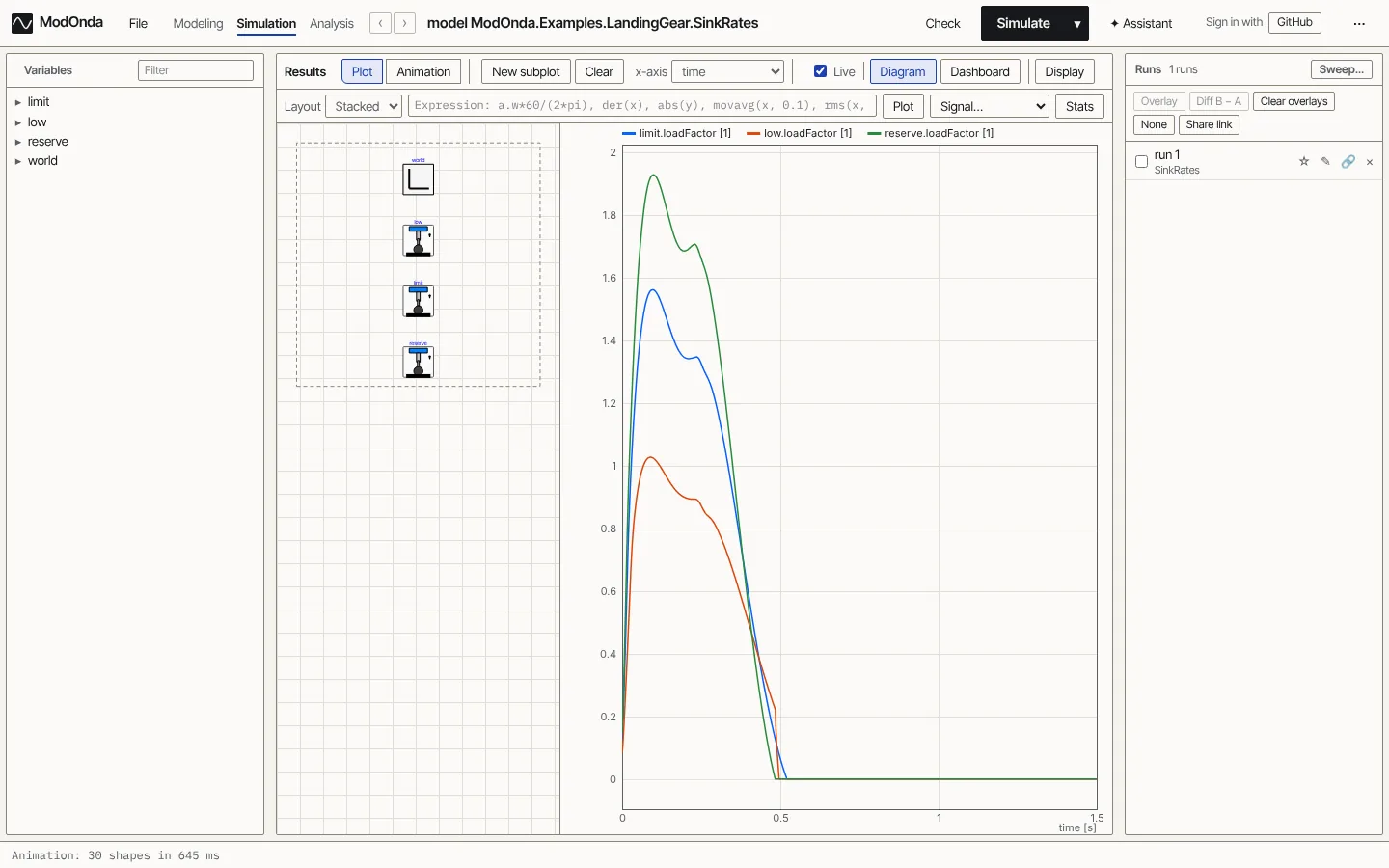
Open the landing-gear drop test, press Simulate and read the result. A five-minute tour of the workbench with a model that has a clear answer.
 25 October 2026
How ModOnda is compared with the Modelica Standard Library's published reference results, example by example, what the numbers mean, and where the references themselves look wrong.
06
The beta is free, and it takes no payment. Pro is in early access and is not charged yet.
Available now
$0
Early access
$20 a month, or $200 a year, excl. tax
Waitlist
Later
Prices are in dollars and exclude VAT and other taxes. The total including any tax that applies to you is shown before you pay. Prices can change before Pro goes live. The paid parts are not live yet, and nothing is charged when you join a list.